
It appears that for the second time in as many months, Microsoft has released a patch that is causing widespread technical headaches with enterprise software running on their platforms. Microsoft has acknowledged the problems.
This particular patch (KB5121003, August 11) implements kernel-level validation checks, which, in turn, have created errors in applications using standard Windows extensions and system calls.
The work-arounds are:
Option 1: Pause or uninstall KB5121003
a) Open a Command Prompt as Administrator, and uninstall the August patch by entering this command:
wusa /uninstall /kb:5121003 /quiet /norestart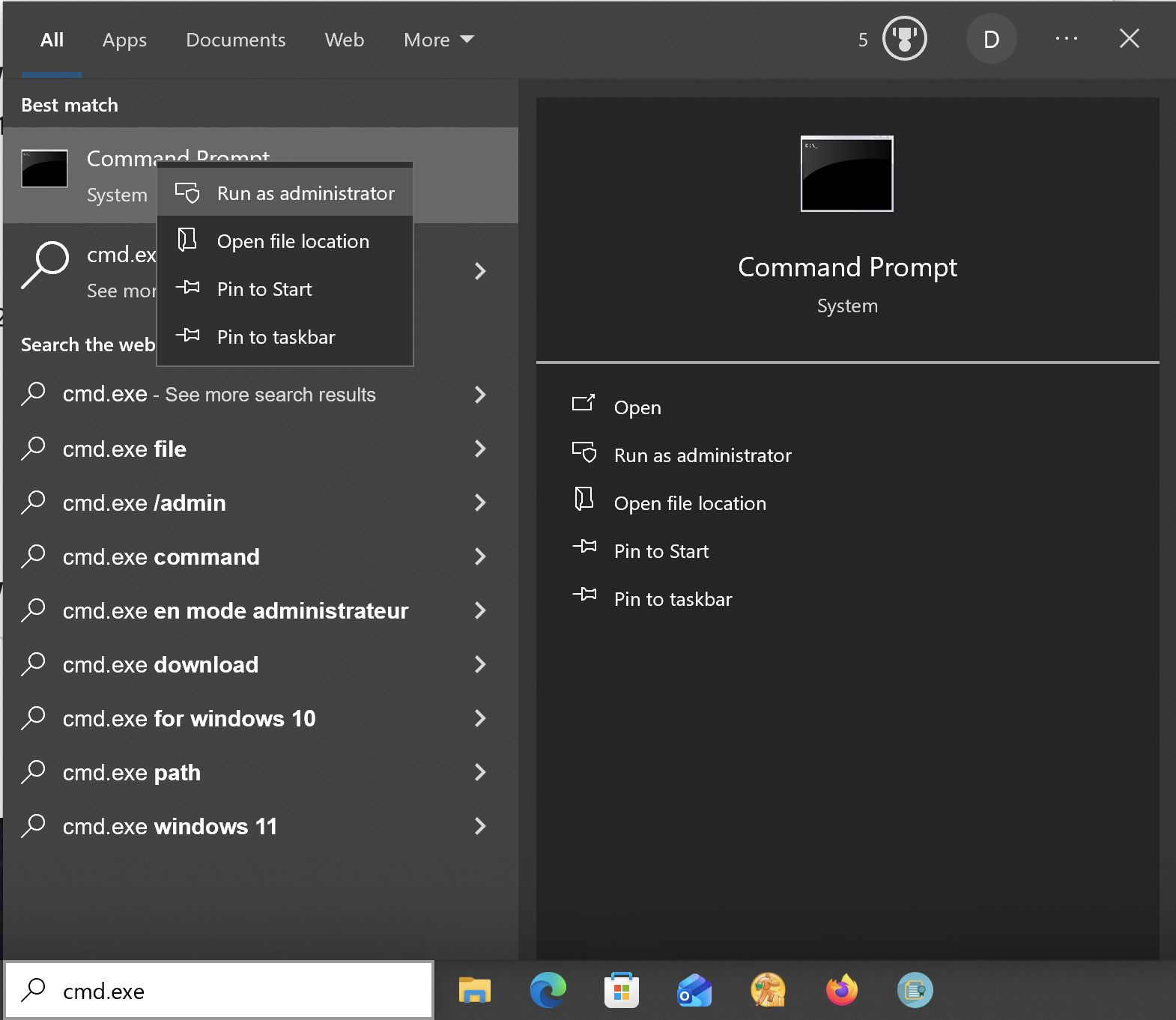
Opening a command prompt window as administrator, from the Windows taskbar.
b) Re-boot the machine and set Pause Updates in Windows Settings for 2-4 weeks, to give Microsoft time to release a corrective patch.
Option 2: Check for hotfixes
Microsoft is currently investigating the issue. Check for any optional non-security ("Preview") updates, which are typically released late in the month, or out-of-band updates in their Windows Update panel:
Settings > Windows Update > Check for updates